Table of Contents
My personal project for this weekend is to migrate my portfolio from my old WordPress blog to my current one.
Export
First, I exported my content using WordPress admin. And was saved into a lwgmnzme.wordpress.com-2022-09-25-02_03_10 folder in XML format.
WordPress XML to Markdown
I then used this handy library for migrating all the pages to Markdown.
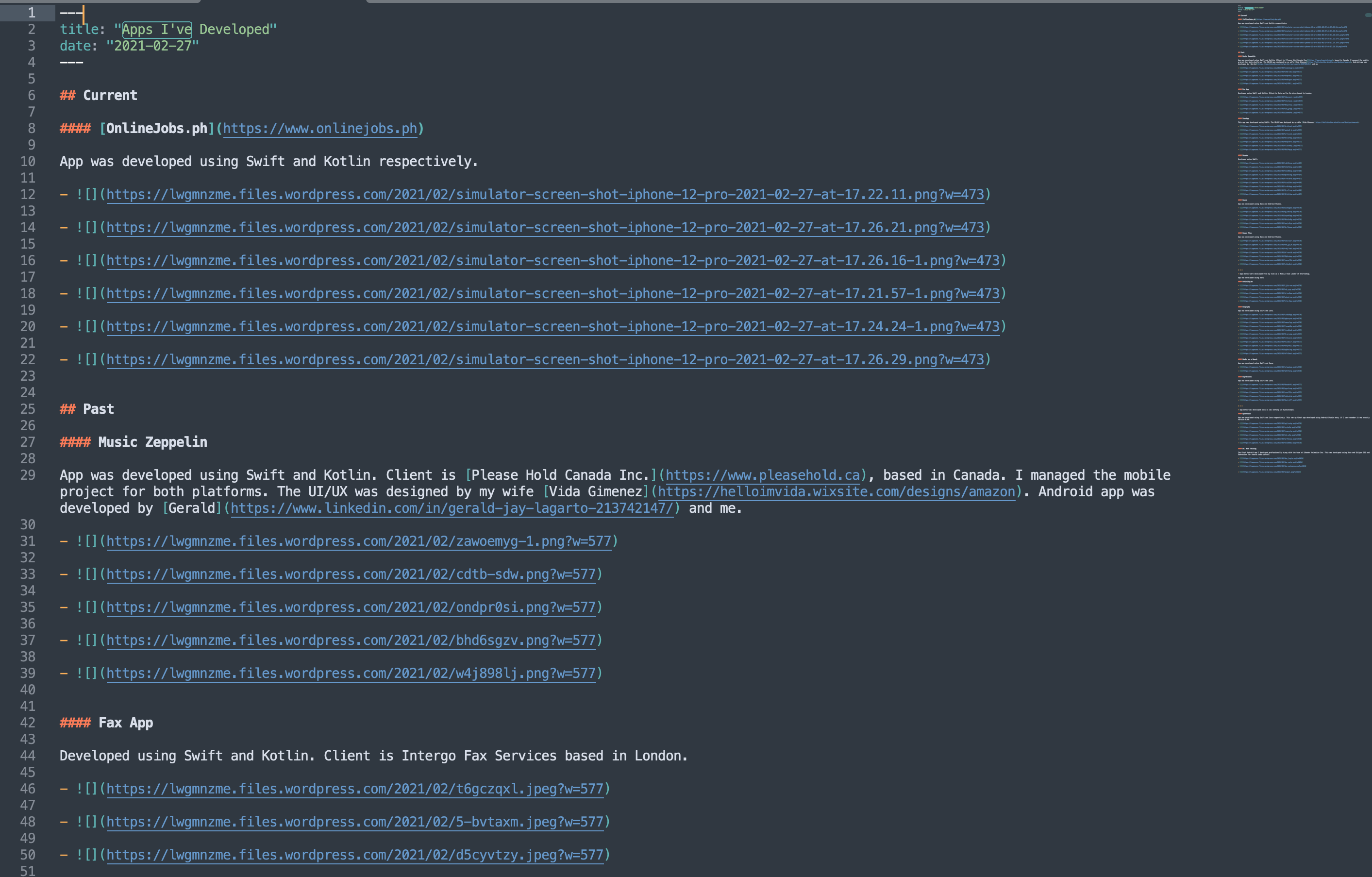
Curl Option
At first I was downloading each image individually, and it seems I have more than 50 images to process. So this is not an option.
curl https://lwgmnzme.files.wordpress.com/2021/02/simulator-screen-shot-iphone-12-pro-2021-02-27-at-17.22.11.png > image1.pngPython Script
Time to brush up my Python skills once again. I downloaded the requests Python library.
sudo pip3 install requestsThe plan is to be able to input several URLs and maybe prompt a shortcut key or something to cue the script that it’s time to download the images.
Or better yet look for the png URLs inside the .md file? Seems like the most logical option for me.
Initial commit
import requests
file = open("index.md", "r")line = file.read()print("Read = %s" % (line))
So far, so good.
Find all the png files
The next step is to find all the URL images with .png extensions. Time to use Regex I guess.

Update the scripts.
import requestsimport re
file = open("index.md", "r")line = file.read()
result = re.findall(r'(https?://[^\s]+)', line)print(result)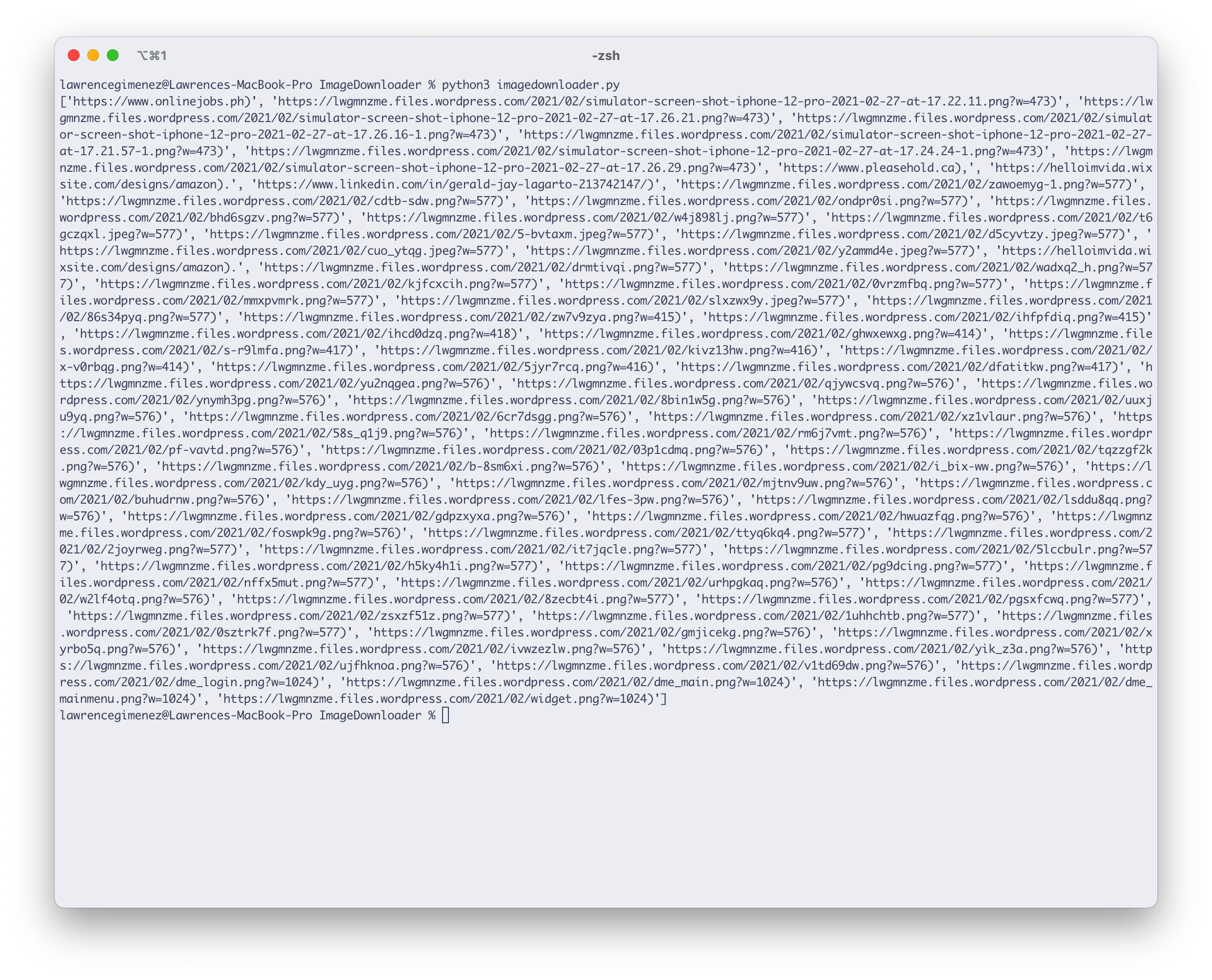
Looks promising. Let’s loop through it.
import requestsimport re
file = open("index.md", "r")line = file.read()
results = re.findall(r'(https?://[^\s]+)', line)
for result in results:  print(result)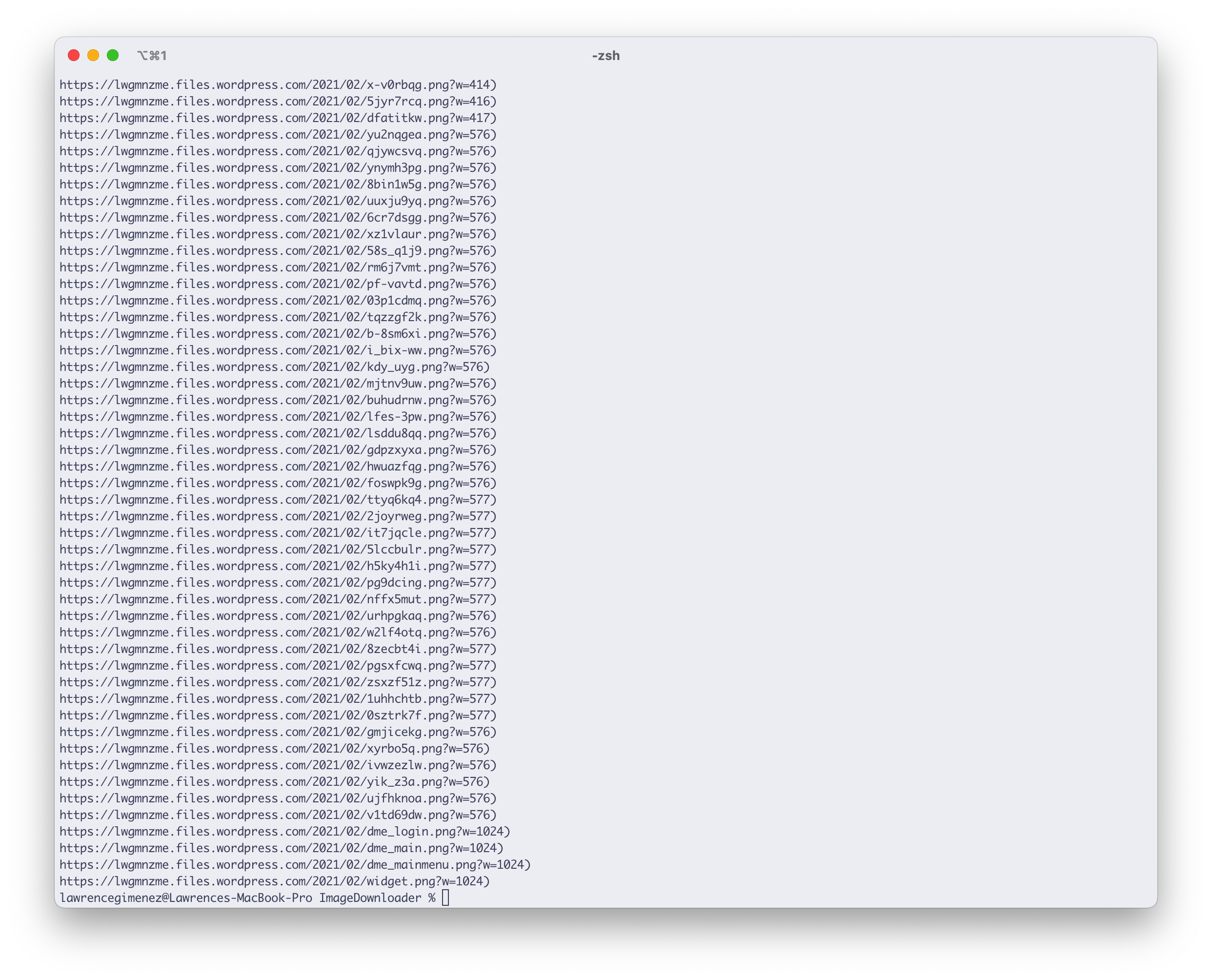
Much clearer. Okay, let’s try downloading each one of them. But, wait I noticed an extra ) character on the results. The hell.
Maybe I should remove the extra ?w= while I’m at it too.
import requestsimport re
file = open("index.md", "r")line = file.read()
results = re.findall(r'(https?://[^\s]+)', line)
for result in results:  indexOfPng = result.find("?")  updatedResult = result[:indexOfPng]  print(updatedResult)
Not the most elegant of solutions but it worked.
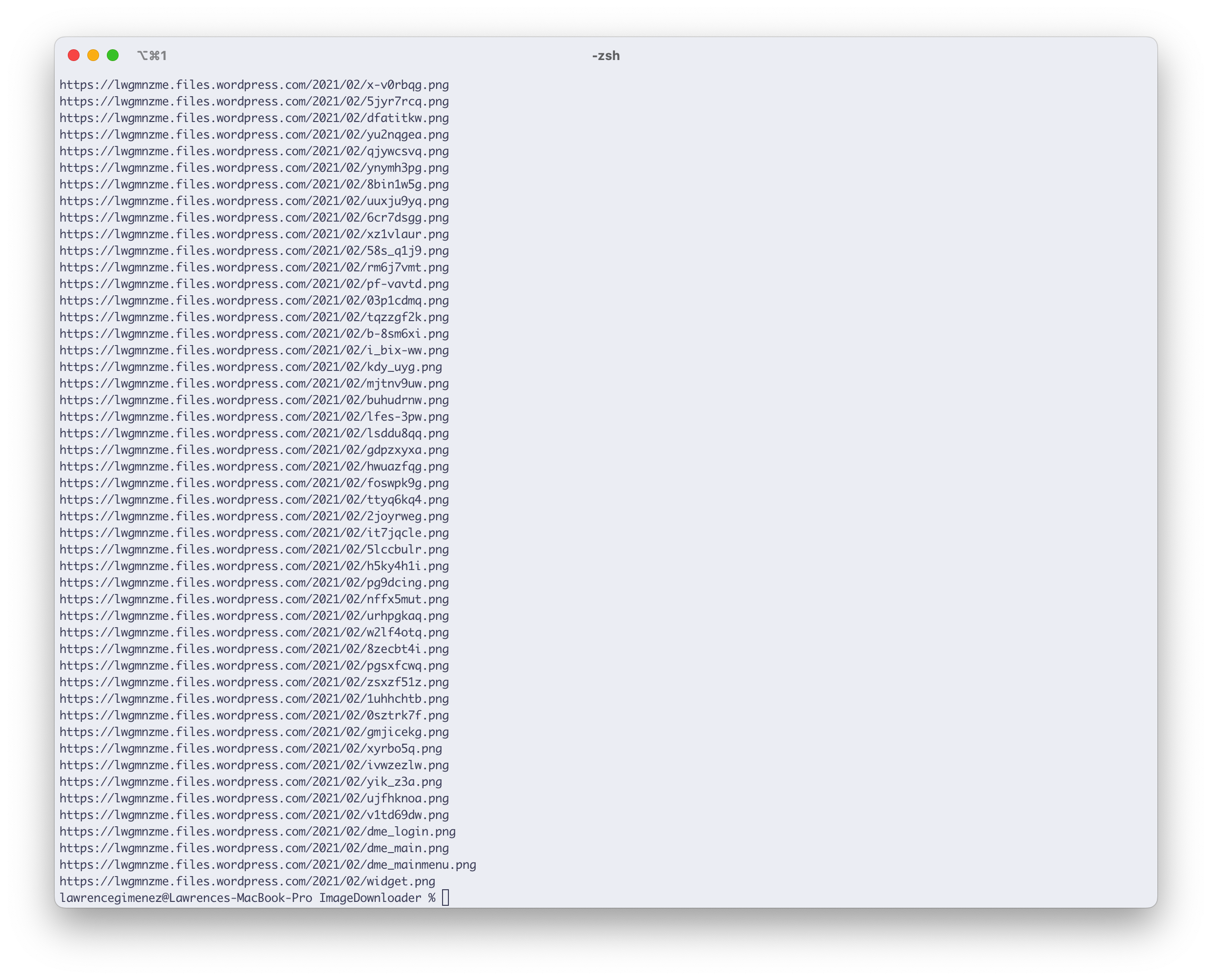
Get the filename
The plan is to get the filename from the URL and use it for saving as a file.
import requestsimport reimport osfrom urllib.parse import urlparse
file = open("index.md", "r")line = file.read()
results = re.findall(r'(https?://[^\s]+)', line)
for result in results:  indexOfPng = result.find("?")  updatedResult = result[:indexOfPng]  # Get the filename  parse = urlparse(result)  print(os.path.basename(parse.path))
Time to download
I was having a IsADirectoryError trouble. And it seems that I need to filter out to download only files coming from a wordpress.com domain.
Final code
import requestsimport reimport osfrom urllib.parse import urlparsefrom urllib.request import urlopen
file = open("index.md", "r")line = file.read()
results = re.findall(r'(https?://[^\s]+)', line)
for result in results:
  # Filter only Wordpress domains  if "wordpress.com" in result:    # print(result)    # Create folder    if not os.path.exists("images"):      os.makedirs("images")
    # Remove unnecessary characters in the URL    indexOfPng = result.find("?")    updatedResult = result[:indexOfPng]    # print(updatedResult)
    # Get the filename    parse = urlparse(result)    filename = os.path.basename(parse.path)
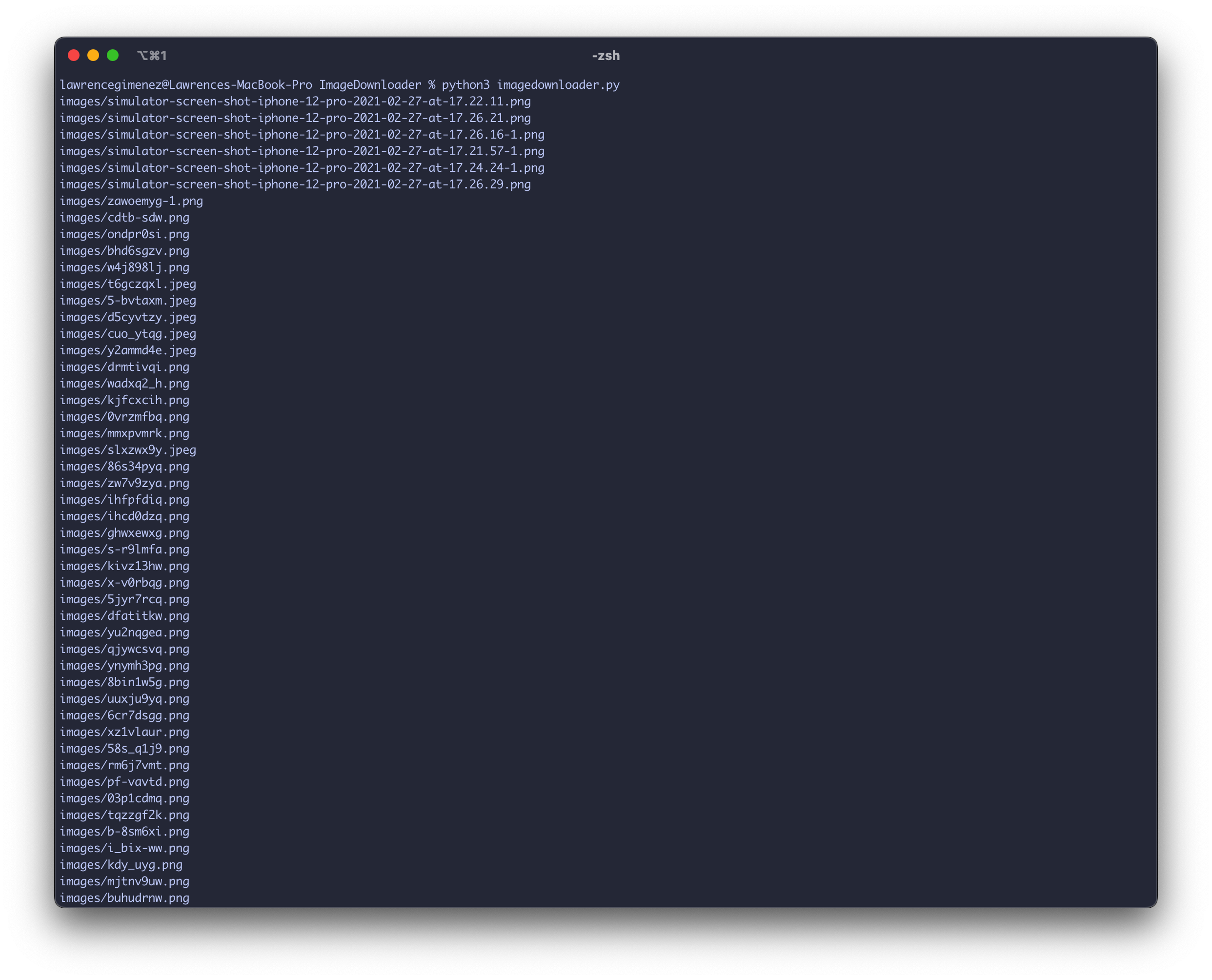
    # Create a file path    filePath = os.path.join("images", filename)    print(filePath)
    request = requests.get(updatedResult)    with open(filePath, "wb") as file:      file.write(request.content)