Sharing from Linux to macOS
/ 1 min read
Table of Contents
Note: The OS versions I used here are macOS Sonoma 14 Beta 3 and Fedora Workstation 38.
On the first try, I was supposed to enable file sharing from macOS and access it on my Fedora machine. But Apple’s Samba did not work. So, I tried the opposite instead.
Install and Setup Samba on Fedora
sudo dnf install sambasudo systemctl enable smb --nowfirewall-cmd --get-active-zonessudo firewall-cmd --permanent --zone=FedoraWorkstation --add-service=sambasudo firewall-cmd --reloadMake sure the user already exists in fedora, in my case lwgmnz@fedora.
sudo smbpasswd -a lwgmnzCreate the shared folder.
mkdir /home/lwgmnz/sharesudo semanage fcontext --add --type "samba_share_t" "/home/lwgmnz/share(/.*)?"sudo restorecon -R /home/lwgmnz/shareOpen smb.conf and add the values below.
sudo vim /etc/samba/smb.confAdd the following settings at the end of the file.
[share] comment = My Share path = /home/lwgmnz/share writeable = yes browseable = yes public = yes create mask = 0644 directory mask = 0755 write list = userRestart Samba.
sudo systemctl restart smbAccess time
Get Linux’s local IP address, in my case it is 192.168.0.112
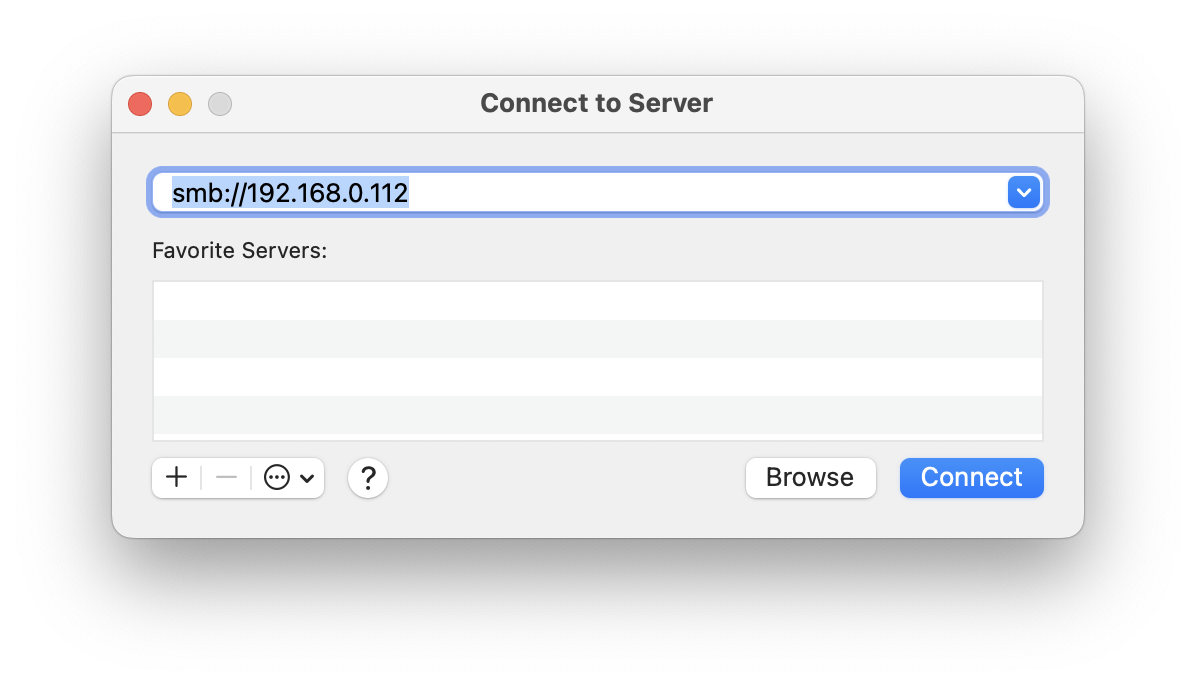
ifconfig -aOn macOS, open Finder, Go - Connect to Server and enter smb://192.168.0.112 and enter the username and password from the command line above.
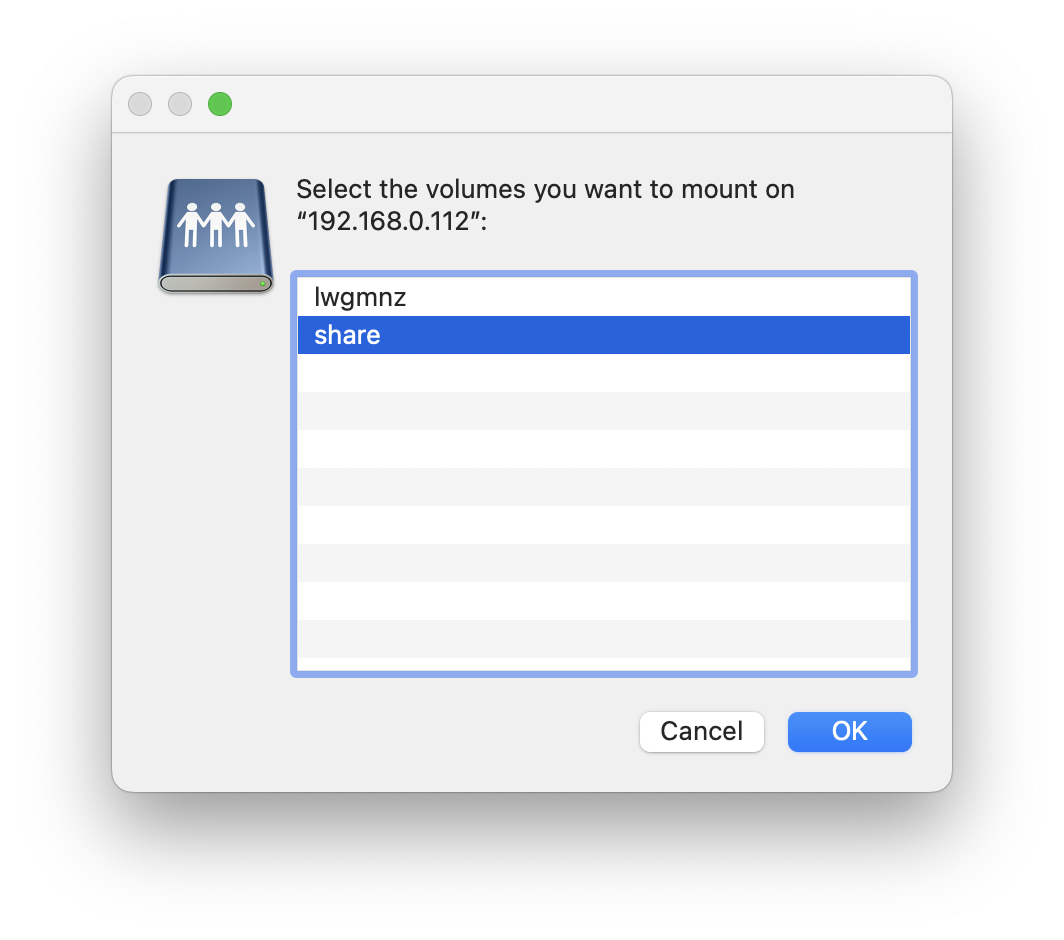
The share folder will now appear.