Table of Contents
I have zero knowledge in drawing shapes using SwiftUI. As a weekend practice session, I will try to learn how to draw an arrow.
After a few quick readings and research, I am going to use SwiftUI’s Path API. Apple’s Path tutorial is not helping though, it’s just too advance right off the bat. Why not start with a straight line?
Straight Line
Let’s draw a straight line in red.
import SwiftUI
struct MainView: View {
    var body: some View {        NavigationStack {            Path { path in                path.move(to: CGPoint(x: 100, y: 120))                path.addLine(to: CGPoint(x: 100, y: 400))                path.closeSubpath()            }            .stroke(Color(.red), lineWidth: 3)        }    }}
So far so good. Now, we need to center the line. Let’s wrap it in GeometryReader.
import SwiftUI
struct MainView: View {
    var body: some View {        NavigationStack {            GeometryReader { geometry in                Path { path in                    path.move(to: CGPoint(x: geometry.size.width / 2, y: 120))                    path.addLine(to: CGPoint(x: geometry.size.width / 2, y: 400))                    path.closeSubpath()                }                .stroke(Color(.red), lineWidth: 3)            }        }    }}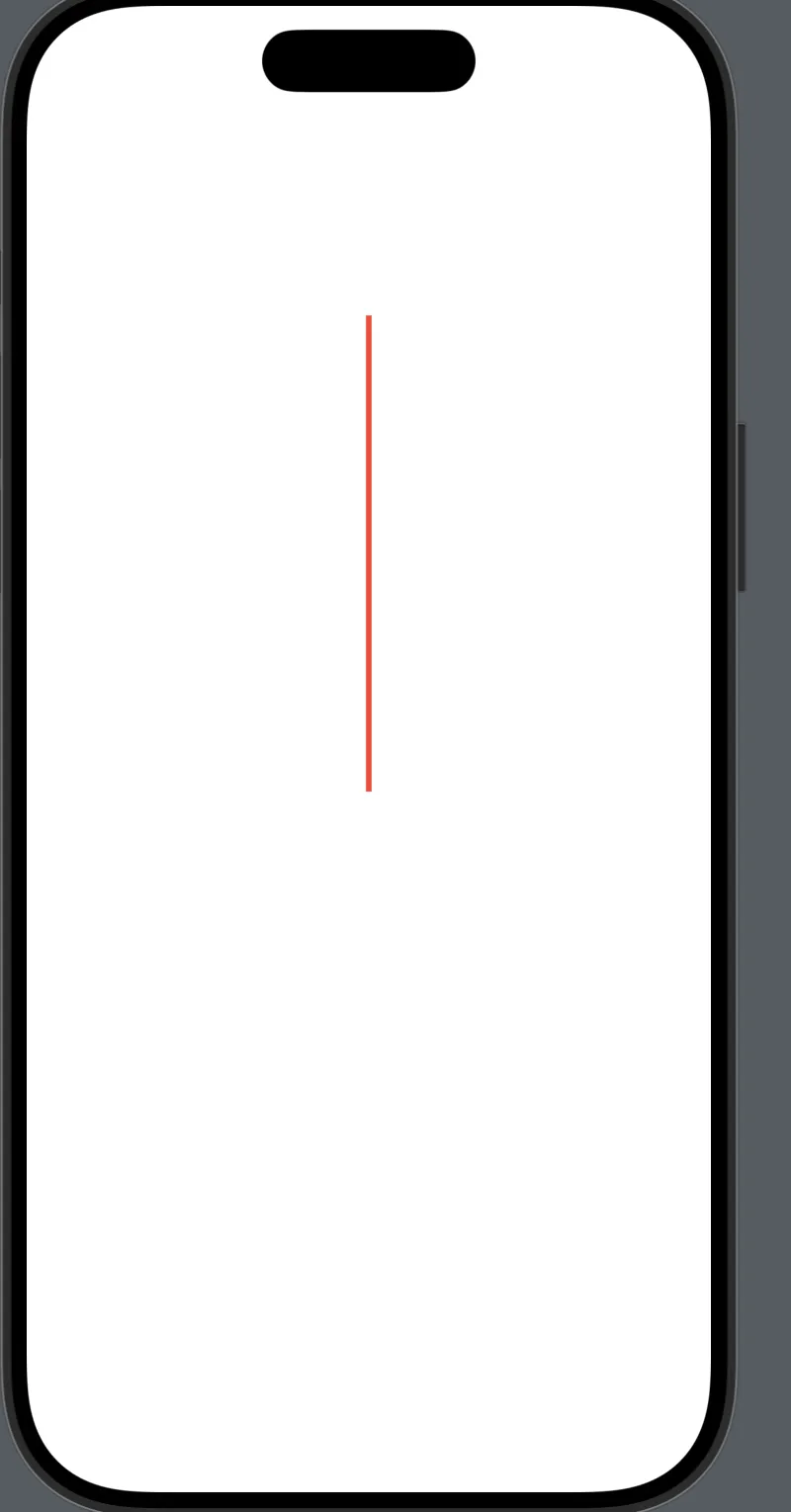
Triangle
Next, we need a triangle on top of the line. After some trial and error, I managed to form an awkward triangle. More work to be done.
import SwiftUI
struct LaunchView: View {
    var body: some View {        NavigationStack {            GeometryReader { geometry in                Path { path in                    path.move(to: CGPoint(x: geometry.size.width / 2, y: 120))                    path.addLine(to: CGPoint(x: geometry.size.width / 3, y: 150))                    path.addLine(to: CGPoint(x: 300, y: 150))                    path.closeSubpath()                }                .fill(Color(.red))                Path { path in                    path.move(to: CGPoint(x: geometry.size.width / 2, y: 120))                    path.addLine(to: CGPoint(x: geometry.size.width / 2, y: 400))                    path.closeSubpath()                }                .stroke(Color(.red), lineWidth: 3)            }        }    }}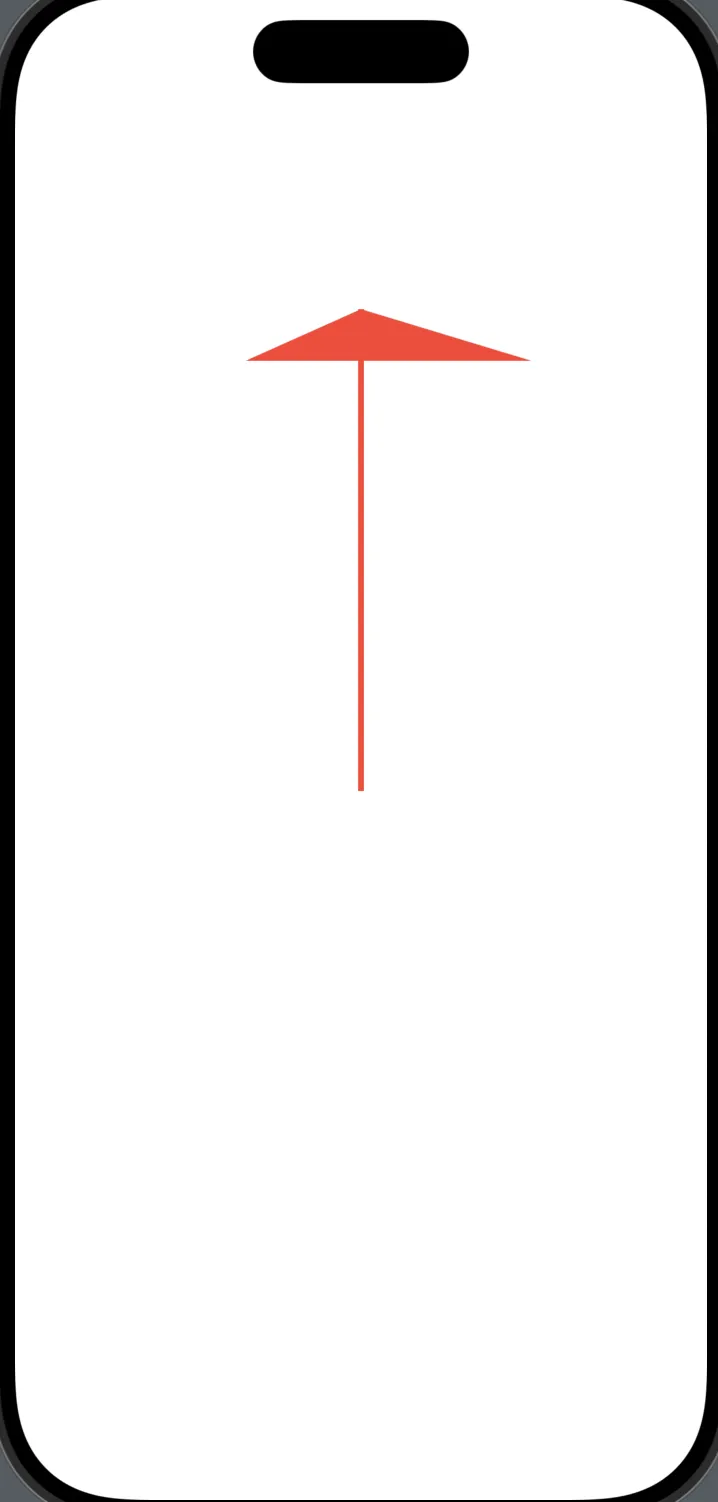
Figure out the width
I know what’s wrong with my triangle, the width is not consistent. Or the x value between the lines needs to be equal. Let’s compute the geometry width and add 20 to one line, and subtract 20 to another line.
import SwiftUI
struct LaunchView: View {
    var body: some View {        NavigationStack {            GeometryReader { geometry in                Path { path in                    path.move(to: CGPoint(x: geometry.size.width / 2, y: 120))                    path.addLine(to: CGPoint(x: geometry.size.width / 2 + 20, y: 140))                    path.addLine(to: CGPoint(x: geometry.size.width / 2 - 20, y: 140))                    path.closeSubpath()                }                .fill(Color(.red))                Path { path in                    path.move(to: CGPoint(x: geometry.size.width / 2, y: 120))                    path.addLine(to: CGPoint(x: geometry.size.width / 2, y: 400))                    path.closeSubpath()                }                .stroke(Color(.red), lineWidth: 3)            }        }    }}
Boom! It worked!
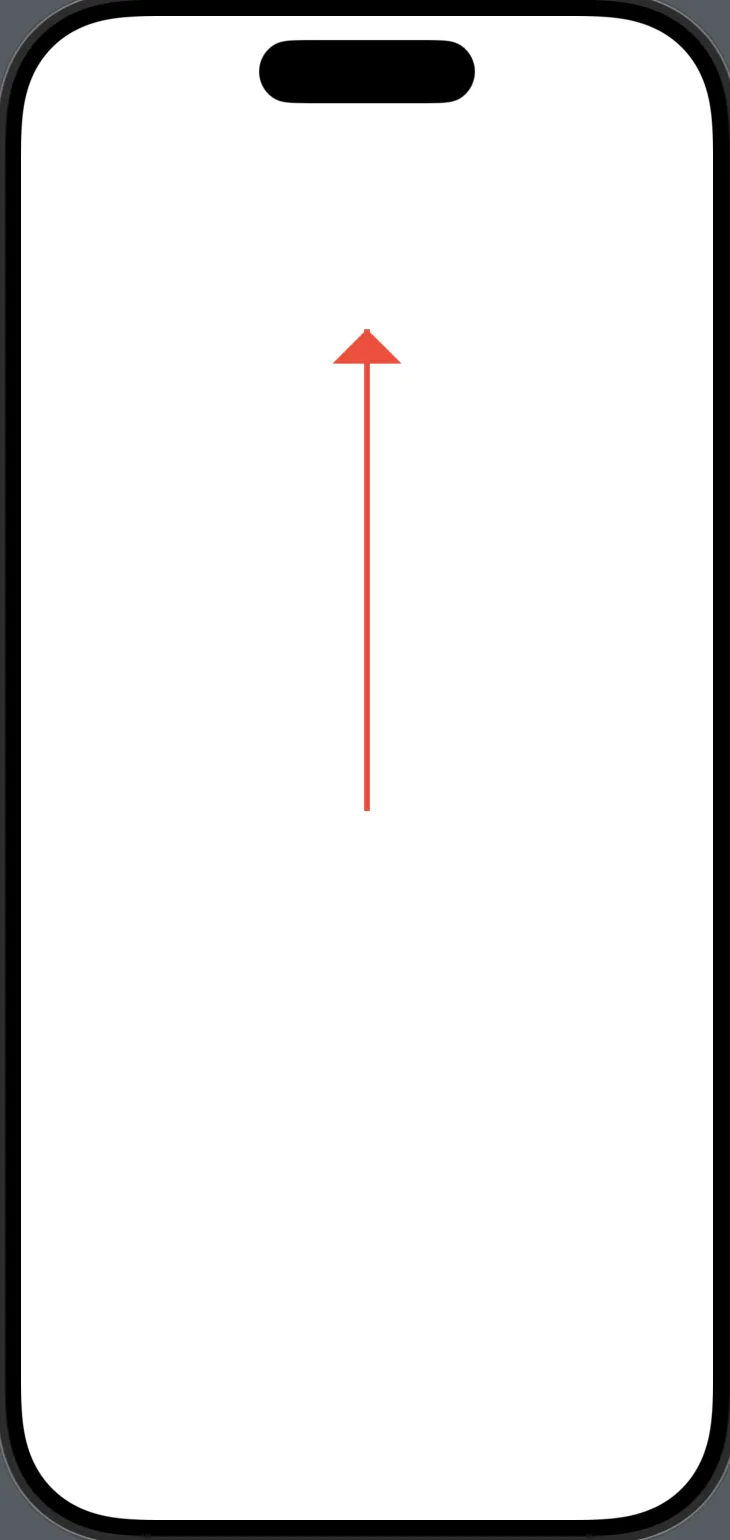
I guess the final task is to group the 2 path objects together. If it is even possible. I guess I am just going to create a separate view, and call it ArrowView.
import SwiftUI
struct ArrowView: View {    var body: some View {        GeometryReader { geometry in            Path { path in                path.move(to: CGPoint(x: geometry.size.width / 2, y: 120))                path.addLine(to: CGPoint(x: geometry.size.width / 2 + 20, y: 140))                path.addLine(to: CGPoint(x: geometry.size.width / 2 - 20, y: 140))                path.closeSubpath()            }            .fill(Color(.red))            Path { path in                path.move(to: CGPoint(x: geometry.size.width / 2, y: 120))                path.addLine(to: CGPoint(x: geometry.size.width / 2, y: 400))                path.closeSubpath()            }            .stroke(Color(.red), lineWidth: 3)        }    }}
In this way, I can reuse it like this.
import SwiftUI
struct MainView: View {
    var body: some View {        NavigationStack {            ArrowView()        }    }}